

1. Introduction to Python Exceptions
In professional software development, the gap between a functional script and a robust application is defined by how the system manages the unexpected. An Exception is a specific type of error occurring during a program’s execution, while Handling refers to the strategic architectural pattern used to manage these events without compromising the system’s integrity.
The primary objective of exception handling is the prevention of “abrupt termination.” A program that crashes without explanation provides a poor user experience and can lead to data corruption. By implementing a handling layer, we ensure that vulnerable operations are wrapped in a safety net, allowing the program to communicate the failure and either recover gracefully or terminate cleanly.
Key Takeaway Exception handling is non-negotiable for professional-grade applications. It transforms unhandled crashes into manageable events, ensuring software stability and maintaining a high-quality user experience even when volatile operations fail.
2. The Taxonomy of Errors: Three Essential Categories
To architect resilient systems, developers must distinguish between the various failure modes of the Python environment. Python is a “compiled then interpreted” language; understanding this two-stage process is vital to understanding error detection.
Syntax Errors
Syntax errors are “compile-time” errors caught during Python’s initial stage of converting source code into bytecode. These occur when the code violates the formal rules of the language (e.g., unclosed parentheses or missing colons). Think of this as a “thief caught by the police before they can even escape the jail compound”—the program is halted by the compiler before it ever begins to execute.
Logical (Semantic) Errors
Logical errors occur when the code is syntactically perfect but the “Business Logic” is flawed. For example, a developer might inadvertently use an addition operator where multiplication was required. These are the “silent killers” of software; the compiler cannot catch them because the code is valid Python. They do not cause crashes but instead produce incorrect output.
Runtime Errors (Exceptions)
Runtime errors occur during the second stage: interpretation. Even if the syntax is perfect, an operation might become impossible during execution (e.g., a missing file or a network timeout). Exceptions are the specific category of Runtime Errors that cause “loud crashes” or abrupt termination if left unmanaged.
Detection Comparison:
- Compile-time detection: Syntax errors are identified immediately before execution begins.
- Run-time detection: Logical errors and Exceptions are only discovered while the interpreter is actively processing the bytecode.
3. Deep Dive: Top 10 Built-in Exceptions
Python provides a rich library of built-in exceptions to identify specific failure points.
SyntaxError
Raised when the compiler encounters invalid code structure, such as misspelled keywords or improper indentation.
ValueError
Occurs when a function receives an argument of the correct data type but an inappropriate value. For example, attempting to convert the string “Ram” into an integer using int().
IOError
Raised during Input/Output operations, specifically within file handling. This typically occurs when the system cannot access or write to a specified file.
KeyboardInterrupt
Triggered when the user manually forces a program to terminate using a keyboard shortcut, typically Ctrl+C.
ImportError
Raised when an import statement fails to load a module. This happens if a module does not exist or if a library like numpy or tkinter is referenced but not installed in the environment.
EOFError
The “End of File” error occurs when a built-in function (like input()) hits an end-of-file condition without reading any data. In a terminal, this is often triggered by Ctrl+D.
ZeroDivisionError
Raised when the denominator in a division or modulo operation is zero, which is mathematically undefined.
IndexError
Occurs when attempting to access a sequence (like a list or tuple) using an index that is outside its boundaries.
NameError
Raised when the interpreter attempts to access a variable, function, or identifier that has not been defined or is currently out of scope.
TypeError
Occurs when an operation is performed on an object of an incompatible type. A classic example is attempting to perform arithmetic between a string and an integer (e.g., “Ram” / “Shyam”).
4. The 4 Pillars of Exception Handling: Keywords & Blocks
Python uses four specific keywords to manage vulnerable code segments and ensure proper resource management.
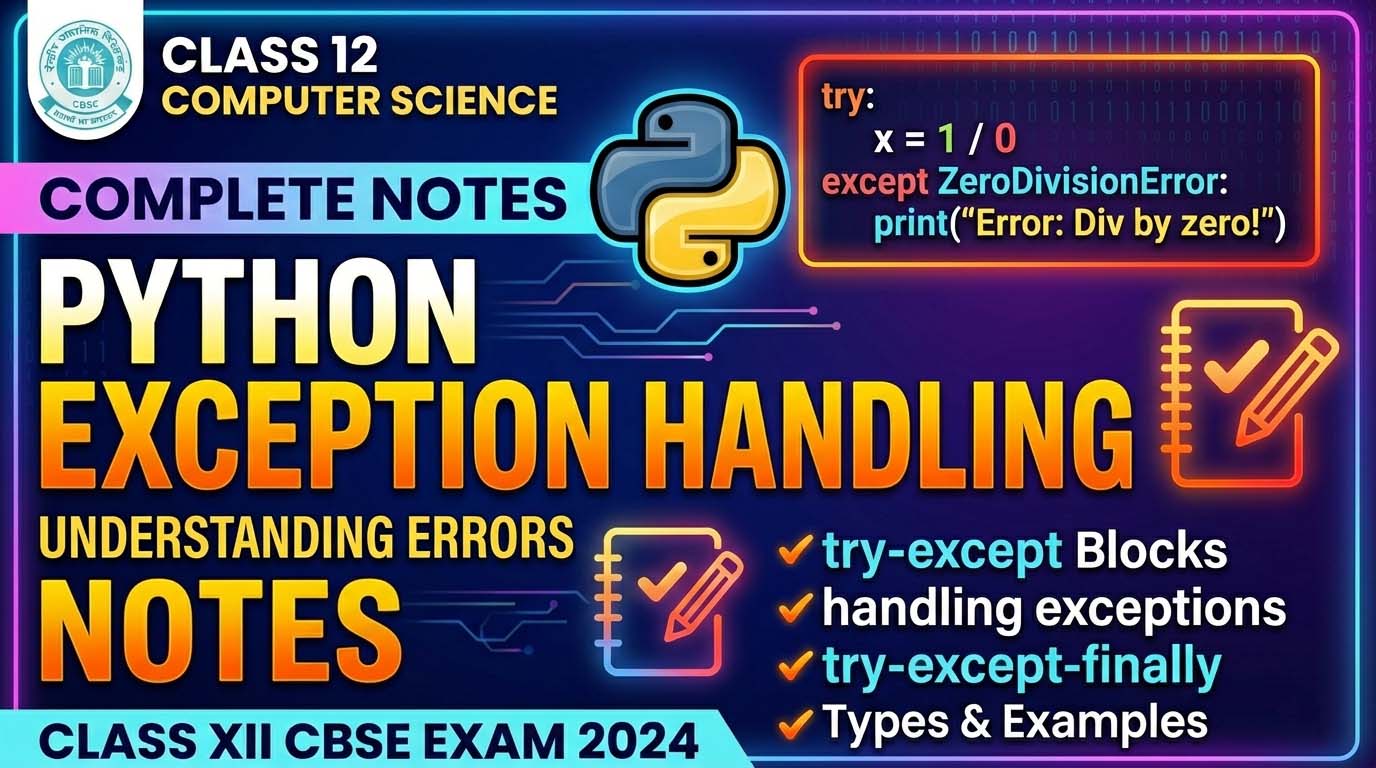
try: The interpreter attempts to execute the code within this block. This is where we place volatile operations that might raise an exception.except: If an exception occurs in thetryblock, the interpreter immediately jumps to this block to “handle” the error. A singletrycan be supported by multipleexceptblocks to catch different error types.else: This block executes only if thetryblock completes its entire execution without raising any exceptions.finally: The “neutral” block. It executes regardless of whether an exception was raised or handled. In professional architecture, this is used for Resource Management, such as closing database connections or file handles.
Sequence of Execution:
- The
tryblock is initiated. - If an exception occurs: The remaining code in
tryis skipped, and control jumps to the matchingexceptblock. Theelseblock is bypassed. - If no exception occurs: The
tryblock completes, theexceptblock is bypassed, and theelseblock executes. - The Conclusion: The
finallyblock executes last, every time.
5. Practical Logic Walkthrough: The Division Example
Consider the logic of a division program where we process 40 divided by a divisor.
Scenario A: Successful Run (40 / 2)
- Control Flow: The
tryblock takes inputs and performs the math. Because the operation is valid, theexceptblock is bypassed. Theelseblock executes to print “Success,” and finally, thefinallyblock runs to signal the end of the process.
Scenario B: Failed Run (40 / 0)
- Control Flow: The
tryblock attempts the division, but aZeroDivisionErroris raised. The interpreter bypasses the remaining code intryand the entireelseblock. Control jumps directly toexcept, which prints a custom error message. Thefinallyblock then executes as the last step.
6. Advanced Handling: User-Defined Exceptions and the ‘raise’ Keyword
Beyond reactive handling, developers often need to proactively signal errors based on custom business rules. User-Defined Exceptions allow us to treat logically invalid data (which might be technically valid types) as formal exceptions. The raise keyword is the mechanism used to manually trigger these exceptions when a specific condition is met.
7. Practical Logic Walkthrough: The Voting Age Validator
Even if a user provides an integer (avoiding a ValueError), the input might be logically impossible for the application’s domain (e.g., an age of -5). We use the raise keyword to signal this logical failure.
Logic Flowchart:
- Step 1: Input Age (Integer).
- Step 2: Is Age < 0?
- YES:
raise Exception("Age cannot be negative")-> Program Signals Error & Terminates/Jumps. - NO: Proceed to Step 3.
- YES:
- Step 3: Is Age >= 18?
- YES: Output “Eligible for Voting.”
- NO: Output “Not Eligible.”
This structure allows the “Business Logic” of checking eligibility to stay separate from the “Exception Signaling” that catches invalid data.
8. Conclusion
Mastering these tools is what allows a developer to transition from writing scripts to architecting sophisticated, production-ready software. By effectively utilizing the try, except, else, finally, and raise keywords, you ensure your applications are resilient, communicative, and professional. Robust exception handling is the hallmark of high-quality engineering, ensuring that your software remains stable under even the most volatile conditions.